Using this functionality, the User can search and update multiple Audits at the same time. The updates could be change of status, assigning or removing Auditor or updating the end date of Audits.
Procedure
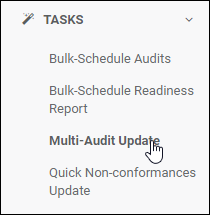
1.Navigate to the Tasks menu on the Home page.
2.Click on the Multi-Audit Update menu.
3.The Multi-Audit Update page is displayed.
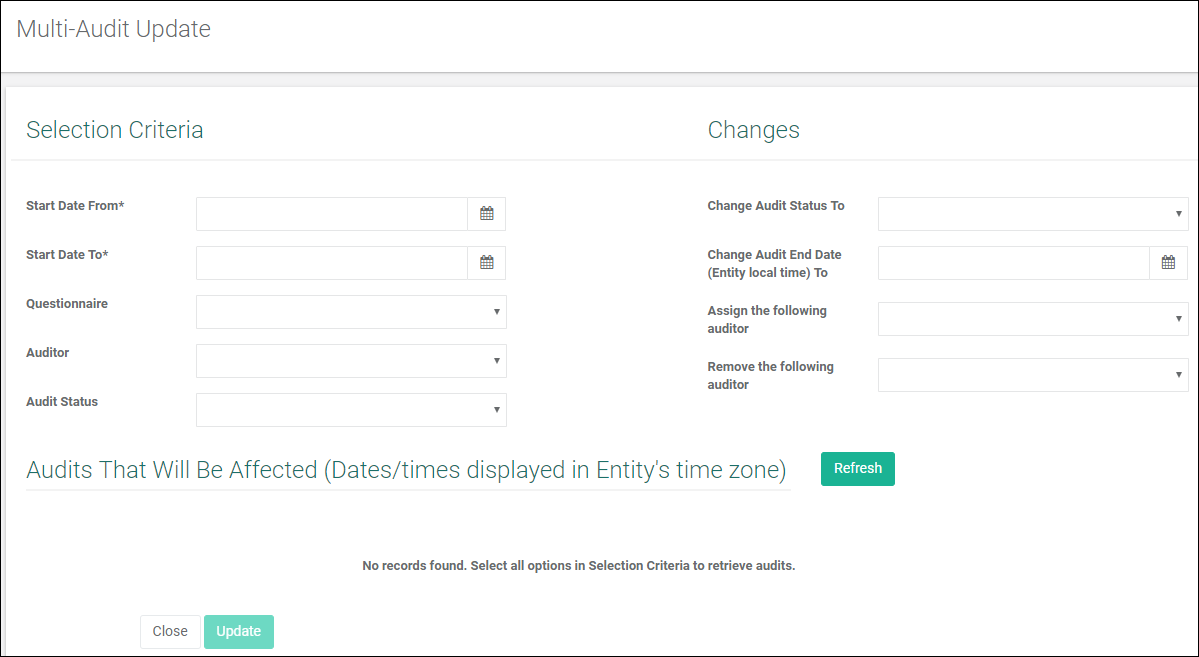
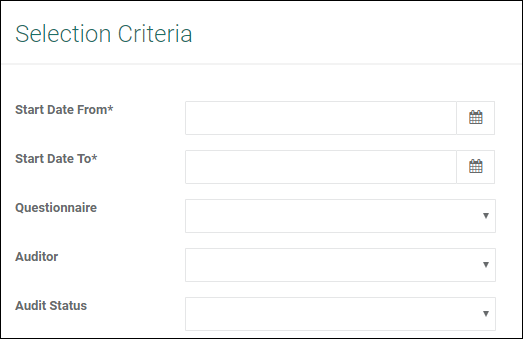
4.Choose the Selection Criteria.
a.Start Date From. Audits on or after the start date will be selected for update.
b.Start Date To. Audits on or before the end date will be selected for update.
c.Questionnaire. The system matches Audits of the selected questionnaire for update.
d.Auditor. The system matches Audits assigned to the selected auditor.
e.Audit Status. The system matches Audits with the selected audit status.
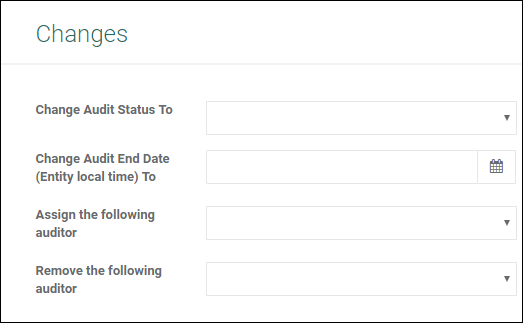
5.Choose the Changes.
a.Change Audit Status To All updated Audits will be set to this status.
(This field is disabled in the Audit Licence Model).
b.Change Audit End Date To Audits on or before the end date will be selected for update.
c.Assign the following Auditor Selected Auditor would be assigned to the selected Audits
d.Remove the following Auditor Selected Auditor would be removed from the selected Audits.
6.Click the Refresh button to show a list of Audits that will be affected by the changes based on the selection criteria.

7.Select/deselect from the displayed list as required.
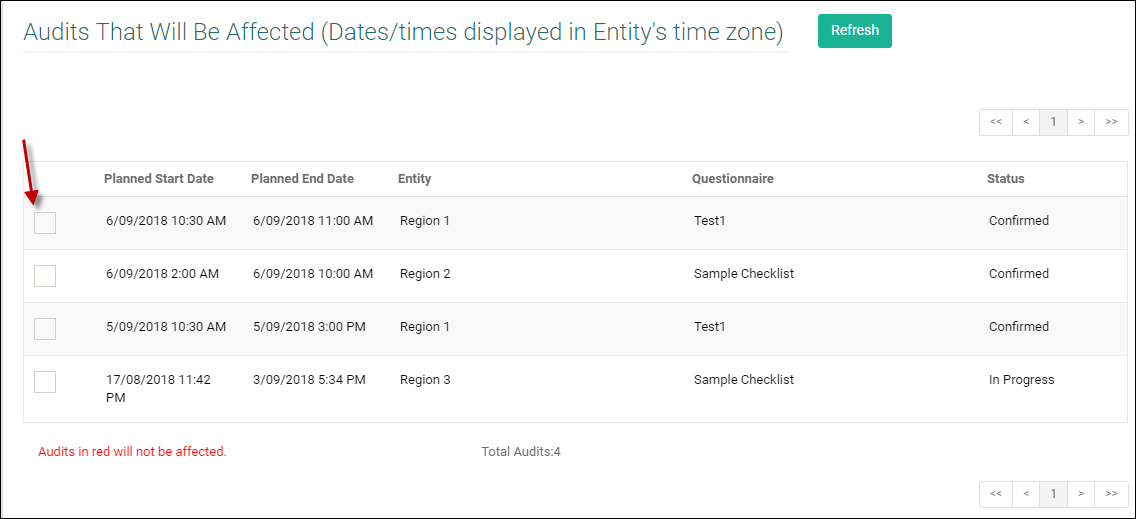
8.Selecting the Audits would enable the Update button.
9.Click on  to update the selected Audits .